
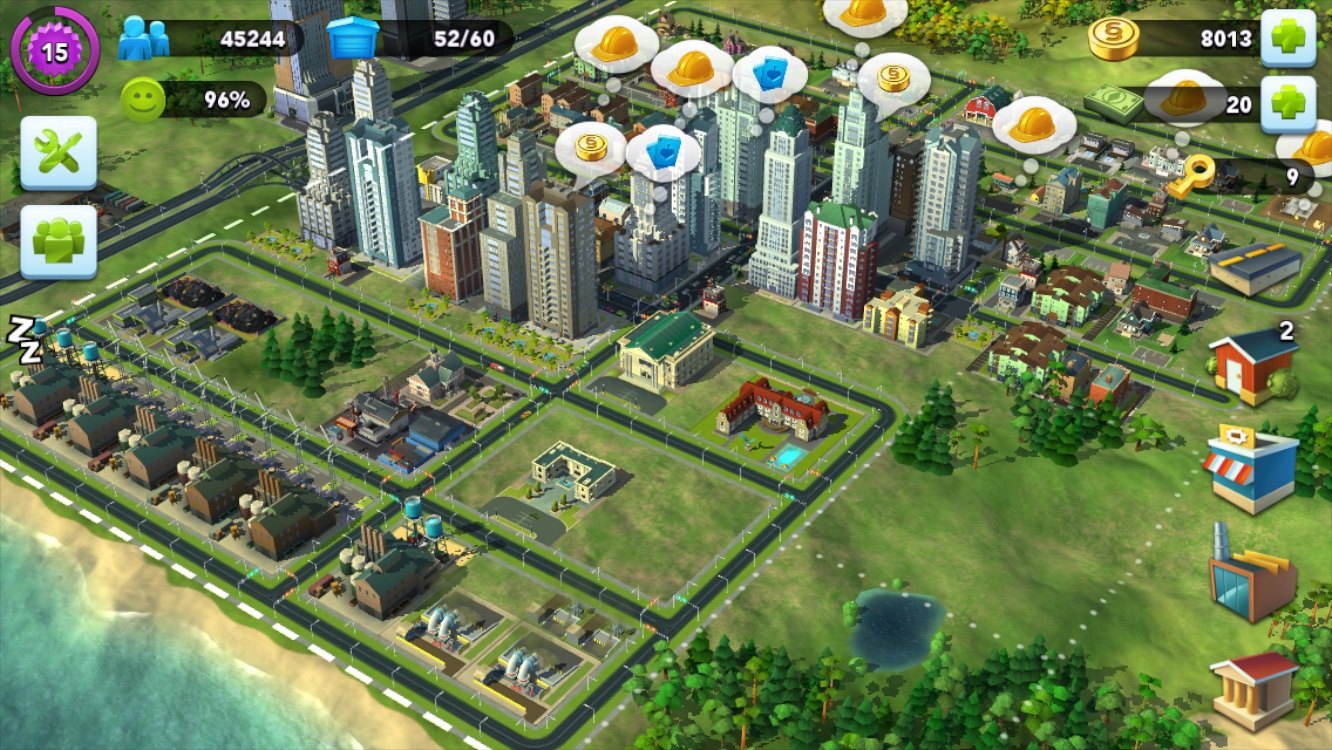
Remember the days when the grass was greener, mobile internet was billed by the megabyte, and Apple was busy plowing the untilled fields of smartphone gaming farms? The early 2010s were a fascinating time, when mobile studios were inventing entire new genres, trying to port or adapt old concepts and games, and along the way solving problems that would make a desktop developer's eye start twitching. So EA decided to take the cult franchises SimCity and The Sims, with all their terabytes of assets and their fiendishly complex simulation of roads, traffic jams, and individual Sims, and try to cram all of it into your pocket.
What the user had in their pocket back then was a hypothetical iPhone 4 or 5 with what was even then a meager RAM budget of around 100–300 MB for absolutely everything, but iPhone owners were the "paying" audience, so the gaming division aimed mostly at them. How do you keep a smartphone from turning into a space heater and catching an OOM in the first minutes of play? You throw the honest simulation in the trash, turn the Sims into finite state machines, and make the city a clever illusion built from texture atlases and timers. Let me tell you a little about how SimCity BuildIt is engineered under the hood. There will be almost no code, and it isn't needed here to understand the ideas. At the end of the article there will be a bit of melancholy about EA's Russian division, plus photos from the office closing in 2016.
The role of EA's St. Petersburg studio, EA SPB
When we talk about the mobile SimCity and The Sims, the credits often flash global brands like EA Tracktwenty (Helsinki) or Maxis, but a large share of the hardcore work and engineering magic was actually forged in Russia, by the St. Petersburg studio EA SPB (Electronic Arts Saint Petersburg).
While the overseas colleagues focused more on game design, product metrics, and high-level logic, the Petersburg engineers got the most interesting and technically important work: fighting weak hardware and rebuilding the technological foundation of the mobile versions.
The Petersburg team was responsible for building and maintaining the internal content pipelines (Internal Tools). This is where the heavy build tooling was made and evolved, and they essentially wrote the tools that took the "heavy" PC content from artists around the world and ground it down into optimized formats for iOS and hundreds of finicky Android devices.
The second task was creating hybrid data models: making the mobile client run smoothly, cache data offline, yet still communicate seamlessly with the server, transferring data and fending off cheaters.
And then, of course, optimizing for the mobile market, because adapting a game for a single flagship iPhone is already a nontrivial task, since even a flagship will be "anemic" compared to a weak PC. It was even harder to make SimCity BuildIt deliver stable FPS on Android/iOS tablets, which because of their bigger screens demanded more detailed textures while having the same amount of memory. So the team reworked shaders by hand for the mobile architecture and literally scoured RAM kilobyte by kilobyte, saving the game from the OOM scaffold. EA SPB created that very "invisible" techno-magic that let the franchise launch on smartphones at all.
The illusion of a living metropolis
The game began as a direct port of the PC version of SimCity 2013, the very one that buried the series with its new mechanics. They did this because the internal framework, given some experience and a bit of dancing with a tambourine, allowed a mobile version to be assembled. It all ended at the very first demo, because it was technical suicide: the PC game tried to honestly simulate every little person walking to work, spending electricity to make nails, and creating traffic jams. On mobile, this approach achieved an unheard-of 2 FPS and melted the chipset.
To keep the game from turning the phone into a pocket branch of a power plant, the architecture was split into two independent layers (actually more, but two matter to us here), completely changing the classic approach to city-building simulation.
PC SimCity (GlassBox):
[Person] -> [Finds path] -> [Logic computation] -> [Render]

Mobile SimCity BuildIt:
[Server Timer] -> [Condition check] -> [Visual trigger: spawn a little car]
Today, server-authoritative design in mobile games is the standard, but back in 2010 such a split was a cutting-edge maneuver, because the industry had only just found its footing on the f2p rails. Not yet weaned off PC idioms, most developers still tried, the old-fashioned way, to compute everything locally on the device, offloading to the server only small JSON blocks or final saves.
So the idea of spending real, expensive server capacity (at the peak of interest in the game, running the servers cost around $40k a day) and data-center CPU time on simulating virtual Sims or factories was considered an unforgivable luxury and folly. For SimCity it was justified, and moving 99% of the calculations to the server and taking the pure math off mobile ultimately turned out cheaper than an endless battle with bugs, OOM, and cheaters.
The economy bucket
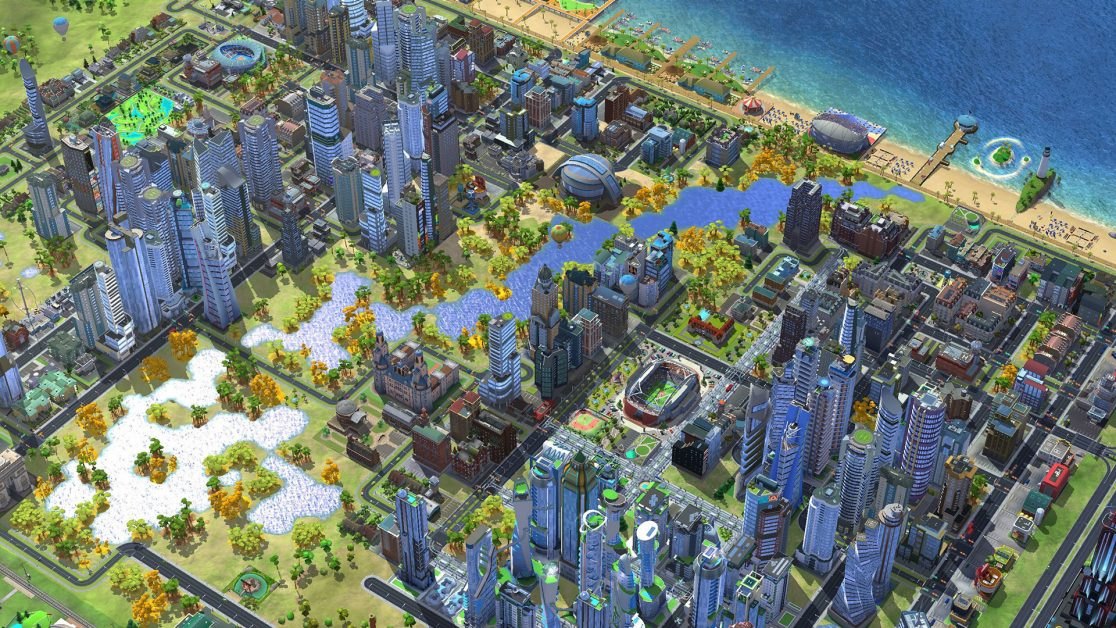
In effect, all the mathematical and economic complexity was moved entirely off the user's device onto the servers, and since the server needs no graphics and operates purely on relationships, IDs, and timers, all the complex economy of your city turns into a flat array of JSON- or key-value-like config tables with lists of building coordinates, upgrade levels, production queues, and the resource warehouse state.
All of this fits beautifully into a specialized database that can generate events on timers, and when you start smelting a nail at a factory, all the validation and logic is done by the backend. The game client essentially processes a button press, sending a simple JSON of who pressed what and where, while the server debits the metal, records the timestamp of the process start, and starts a timer. The "production" process itself is reduced to the ticking of the server clock, and the player's device doesn't need to compute the building's logic, the workers' logistics, or the in-game electricity costs; in principle it no longer needs anything except the 3D building models and the UI speech bubbles.
In this pairing, the smartphone turned into a "dumb" but very pretty terminal whose only job is to visualize the numbers from the server as pretty little houses and to locally cache the state to minimize network traffic. Internet isn't always available, and to keep the game from "stuttering" on a bad 2G connection (and there was more than enough of that, with the average server exchange rate being something like 16 KB/min — not per second! — per client), the client doesn't wait for a server response to every little thing and keeps a local copy of the city state; even without a connection the local time counter ticks down and shows a "Ready" icon — you just won't be able to tap it.
Collecting that nail into the economy and spending it on a house upgrade won't work without a connection; when connected, the server compares the current system time with the saved one, and if the player tried to move the phone's clock forward, it rolls the nail back. This feature didn't work for the Chinese market because of problems with access to device parameters, which there included the local time as well. But the Chinese players were on separate servers anyway, so it wasn't much of a problem.
[CLIENT: Press "Craft"]
      |
      v (Network request: "I want a nail")
[SERVER: Resource validation] ---> [Write to DB: Smelting started] ---> [Start server timer]
                                                                               |
[CLIENT: Draws local cache] <--- (Server response: "Success, wait 5 minutes") <--+
Rendering
Drawing hundreds of buildings on the mobile GPU of those years is already a nontrivial task, and to hold the coveted 60 frames per second, or even 30, on architectures at the level of early Apple chips or Mali/Adreno graphics, they had to resort to various rendering tricks.
Mobile graphics chips are built differently from desktop monsters, and they use the TBDR (Tile-Based Deferred Rendering) architecture. The video chip doesn't compute the whole screen at once; it splits it into small "tiles" and processes each tile separately. If you swamp such a chip with chaotic geometry from the whole city in the spirit of the ordinary rendering of the PC SimCity build, it will simply choke, delivering those very coveted 2 FPS.
So the metropolis is broken into rigid spatial blocks, and the whole map is divided into sectors. For each sector the engine computes the distance to the camera and the viewing angle, and if they don't change, a mini preview texture is created that lets the sector be shown via 2D blitting rather than full geometry — it's a kind of very aggressive LODding, which works the more visibly the weaker your device is.
And if a complex skyscraper made of hundreds of polygons, with air conditioners on the roof and tiny antennas, has to be drawn on screen, then a texture "with everything" was created for it separately, which could be stretched onto a box, and now on the smartphone screen this object takes up 20 pixels at most, the player doesn't notice the trick, and memory bandwidth is saved enormously. And only if you zoom way in on a building does the real geometry of the objects start to be drawn.
Aggressive batching
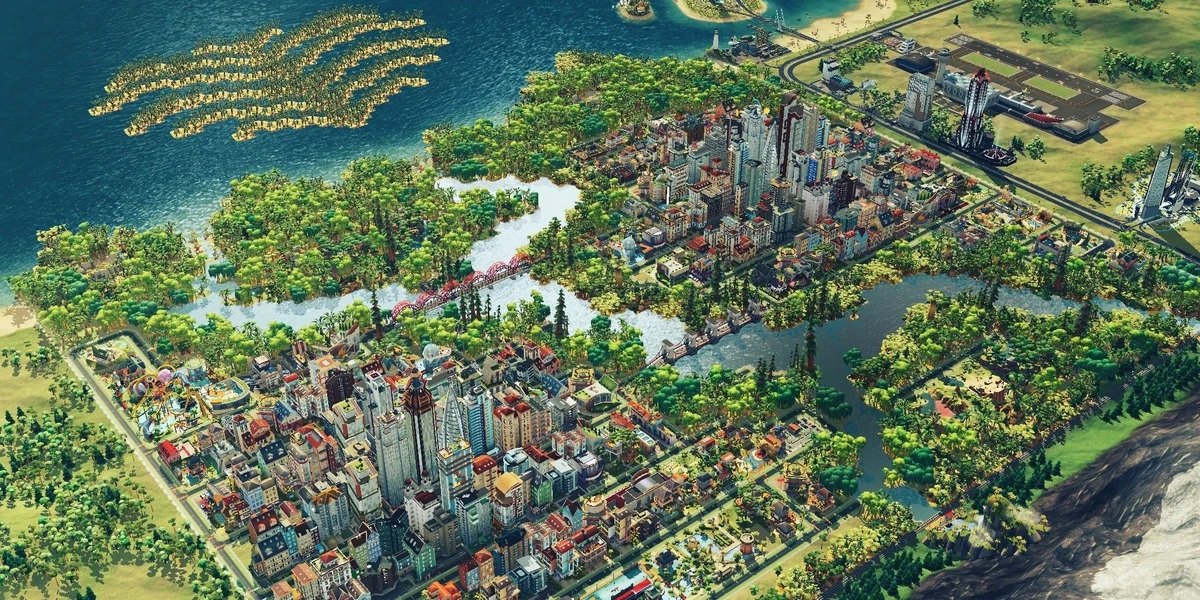
Another of the game's tricks. If you have 200 elite townhouses standing in your city and the engine makes 200 Draw Calls, then even if the game doesn't turn into a slideshow, it will be very jerky. The solution was total, uncompromising batching of everything and anything, and when you place residential houses or lay down roads, the game doesn't treat them as separate objects.
Once every few seconds, usually when the player opens various full-screen menus, the engine takes the geometry of different static objects, merges their vertices into one giant vertex array, and gets 200 objects that are drawn in 1 pass instead of 200.
For batching to work, the objects must share the same graphics material, so the artists packed the textures of different buildings, trees, and road signs into texture atlases, and you had several such atlases for different sets of buildings, because assembling the geometry was doable, but assembling the atlas correctly was the problem. In the end everything was drawn as a single object with a single texture, even though half a residential block was displayed on screen.
The era of OpenGL ES 2.0/3.0 was a time of harsh limits on the number of instructions in pixel and vertex shaders, and there could be no honest rendering, global illumination, or dynamic shadows in a mobile city-builder of those years. And why make the phone compute how sunlight falls on the cornice of a house if the sun in the game moves along a rigid script?
All shadows, tiny shading at the joints of walls, and highlights were "baked" permanently into the building's individual textures, and essentially all the buildings in the game are pre-painted little boxes whose shader simply outputs a ready-made picture without complex mathematical lighting calculations.
To implement the change of time of day without dynamic light sources, the simplest blending (mixing) was built into the shader. A building had two textures — a daytime and a nighttime one, where yellow lights are drawn in the windows — and the shader performed a linear interpolation between them.
So where's the simulation?
Fans of the original PC SimCity (especially the hardcore SimCity 4 or the ill-fated SimCity 2013) got used to the idea that powerful logic simulating a large number of systems beats under the game's hood. The mathematical core of the desktop versions computed millions of interconnected parameters; SimCity 4 had more than eight thousand systems (a road segment, a fire station, a Sim's car, a working factory, a pipe segment or a power-line pylon with a pollution area) that affected the city, plus more than 10,000 active objects on the map, and even a single fire truck did its part in the city by creating traffic jams on the roads.
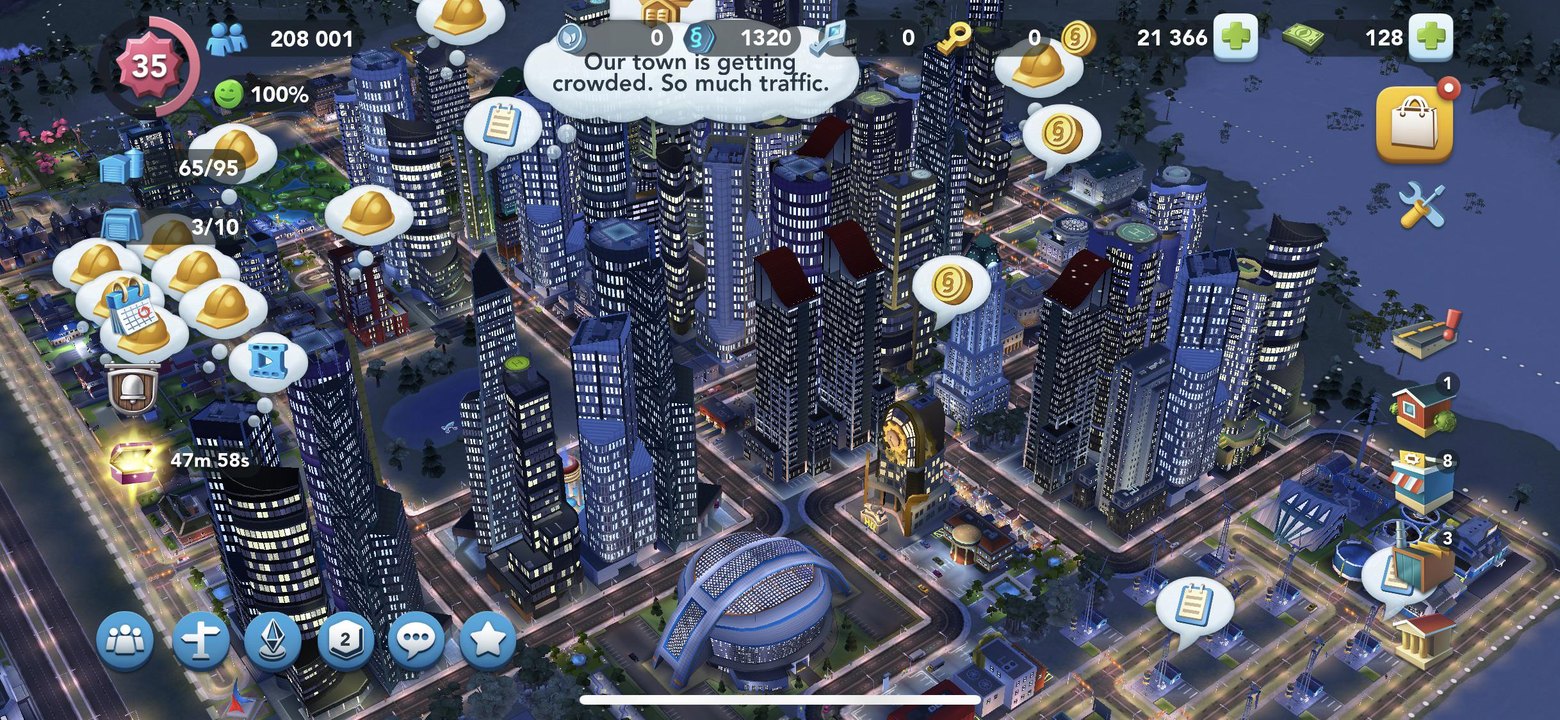
In SimCity BuildIt, this whole complex, popular-science model was simply "zeroed out," and the simulation as a continuous physical-mathematical process was completely cut out, replaced by event-based cosmetic triggers. The game's real economy turned into a flat system of queues, timers, and increments, and to grasp the scale of this indecency, just look at the traffic jams.
On PC, the GlassBox engine computed every resident: a Sim left the house, got into a car, the algorithm plotted a route along the road grid to their workplace, and if a lot of real physical agents piled up at an intersection, a jam formed. Cars came to a halt, the Sim was late for work, the factory took losses, the city got no taxes.
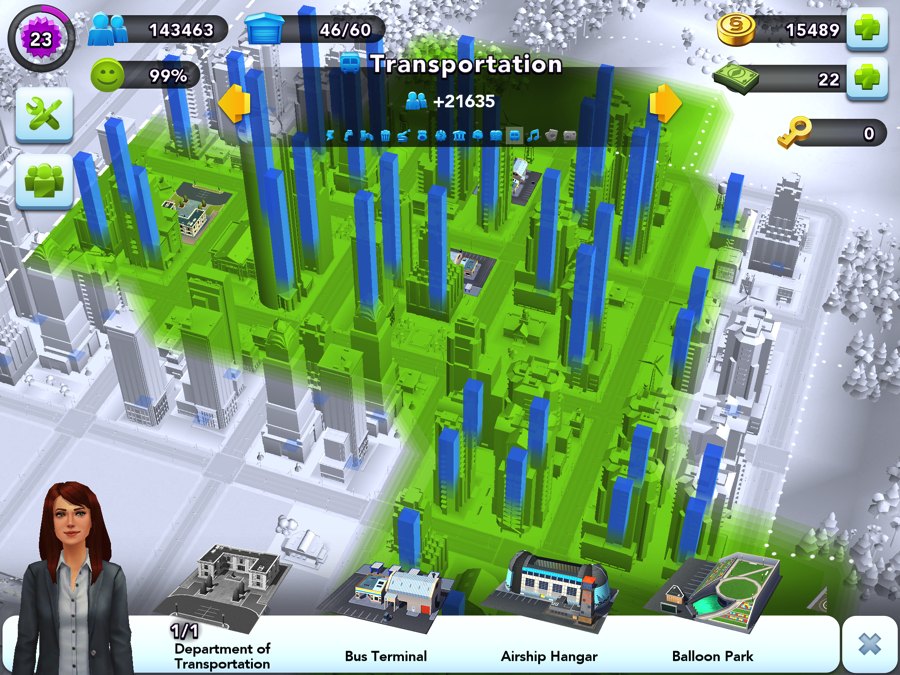
On smartphones, traffic jams became a purely visual effect based on a statistical formula tied to the road's upgrade level. Each road tile had two parameters: population density within radius X, and the road's upgrade level (2 lanes, 4 lanes, etc.), and if the ratio of density to road width exceeded some threshold, the trigger SPAWN_MORE_RED_CARS fired.
And those little cars were just decorative sprites moving along a looped spline inside the road tile. They aren't going anywhere, they have no destination, and they don't affect the factory economy in any way.
And another example, when on a random fire a physical fire truck drove out of the depot. It looked for a path along the roads, ran into traffic jams, spent time, and if it got stuck, the house burned down, turning into ruins that had to be bulldozed away.
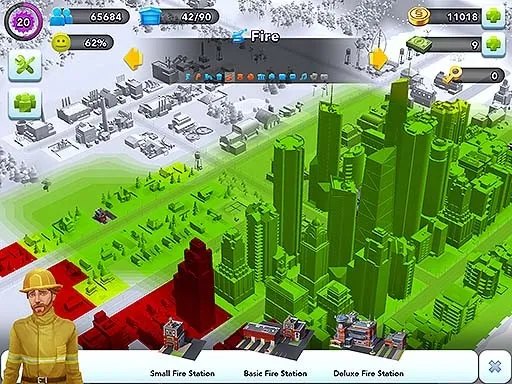
Now the fire station became a static emitter of a coverage zone with Radius = 10, and when you place the building the game simply checks the intersection of the radius with the coordinates of residential houses. All houses within the radius are assigned the status is_protected = true in the database, and if a house isn't in the radius, an icon of resident discontent lights up over it, blocking the upgrade. There are no physical fires on mobile, and the pretty fire truck that occasionally drives out of the gate with its siren is just a random background animation creating the illusion of frantic service activity.
Electricity and water supply
On PC, resources were delivered over physical connections, and electricity spread from the power plant along high-voltage lines or from building to building on the "touching zones" principle, while water flowed through pipes that had to be laid down, and when there wasn't enough capacity, the city's far districts were left without water or plunged into darkness.
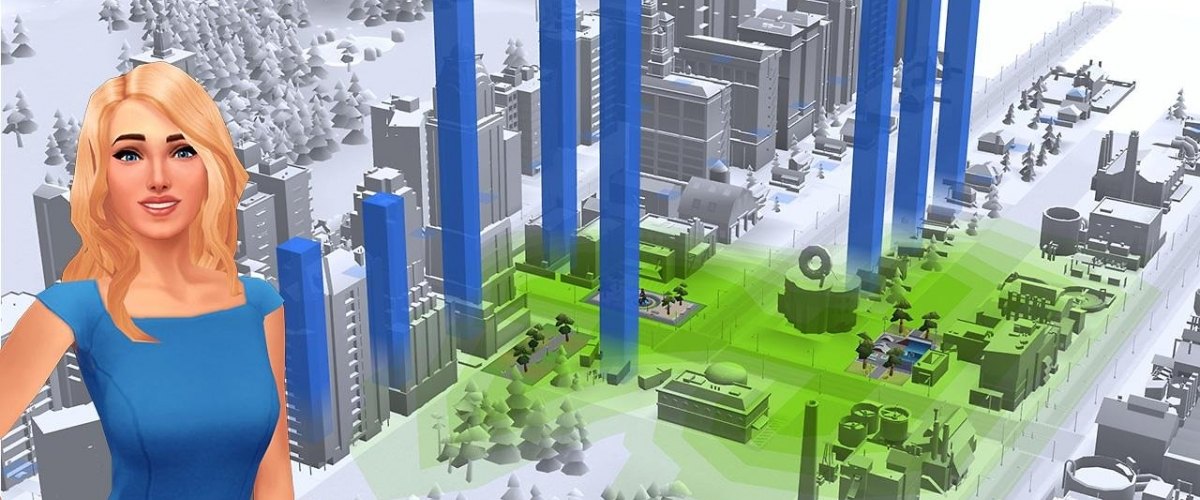
Forget about wires and pipes on mobile; now electricity is the simplest subtraction problem, where the city has a global energy pool with Capacity = 100, and each built house just dumbly consumes a fixed number of units, Demand = 1.
When the scene updates, the game does the operation Capacity - Demand, and if the remainder is greater than zero, the house is instantly "powered," wherever on the map it happens to be, even at the opposite end from the power plant. No physical networks, no computation of attenuation and losses like there was in the PC version.
Trade and the global market
On PC, SimCity 2013 had a global resource market where prices changed dynamically depending on the real supply and demand of thousands of players from all over the world, and there were separate economic servers that spun the quotes for coal, ore, and processors. But the global market in the mobile game became a disguised bulletin board with rigid limits and price corridors.
When someone put nails up for sale, the server didn't recompute the global demand balance, because it worked within the bounds of the group you were placed into when your client connected to the network. You could only set a price within a range, say from 10 to 80 Simoleons, and if no other real player bought the item within a certain time, the game automatically launched a bot named Daniel who bought out your lot at the average price. It's not even an economic simulator, but an ordinary queue system with a guaranteed outcome, masquerading as a live market. Five years into the game's life, EA tried to introduce something like a real in-game market, but players had gotten so used to the simplified model that it was rolled back two weeks after launch.
The promised photos
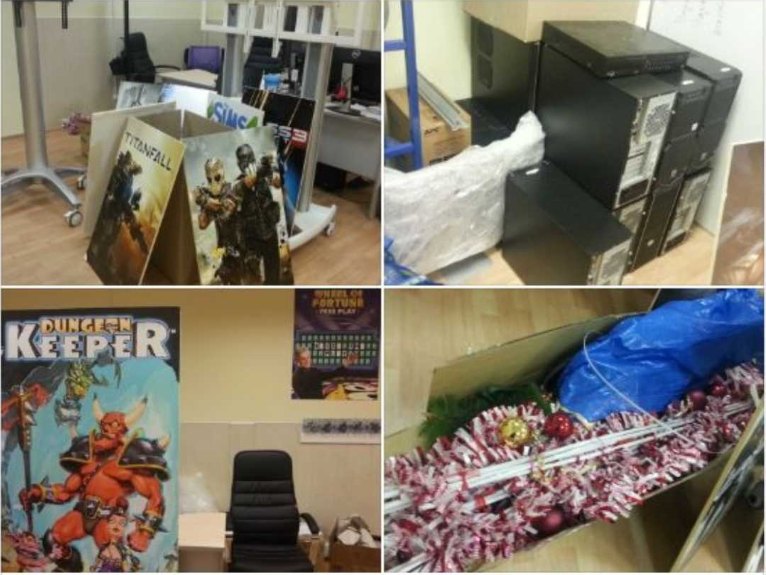
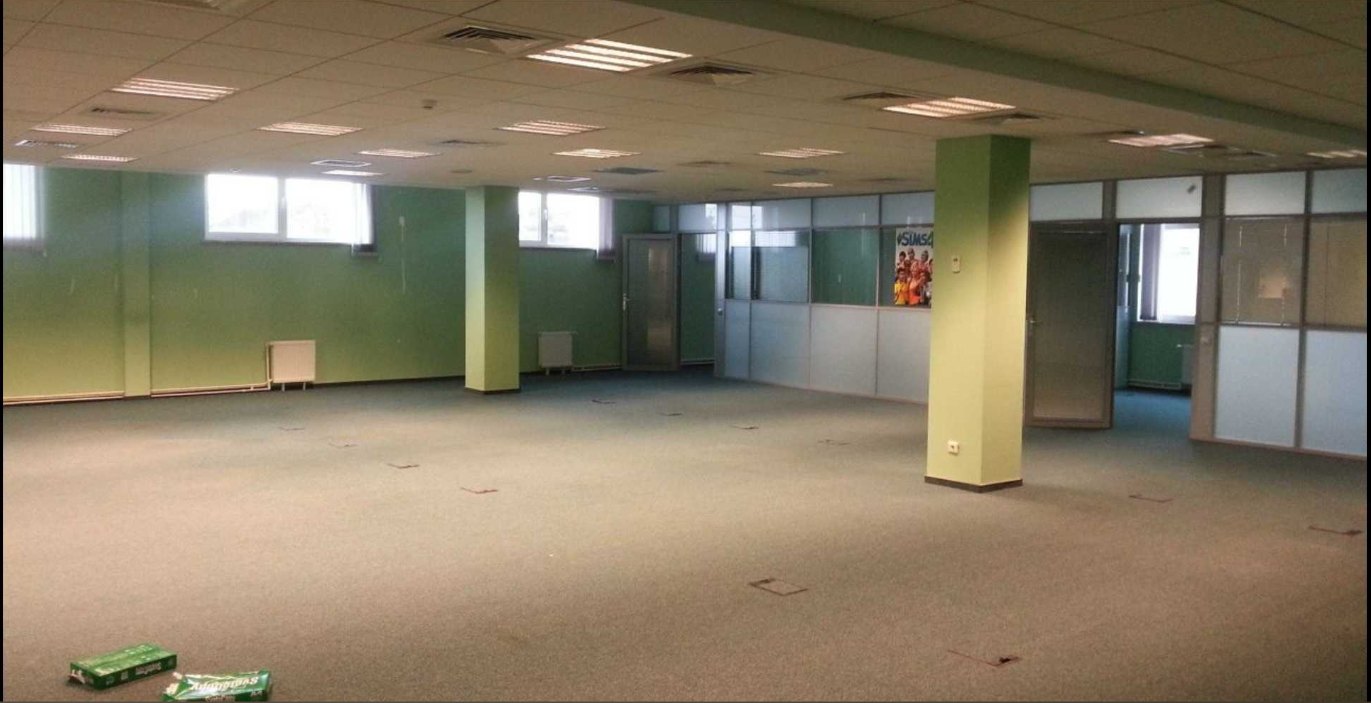
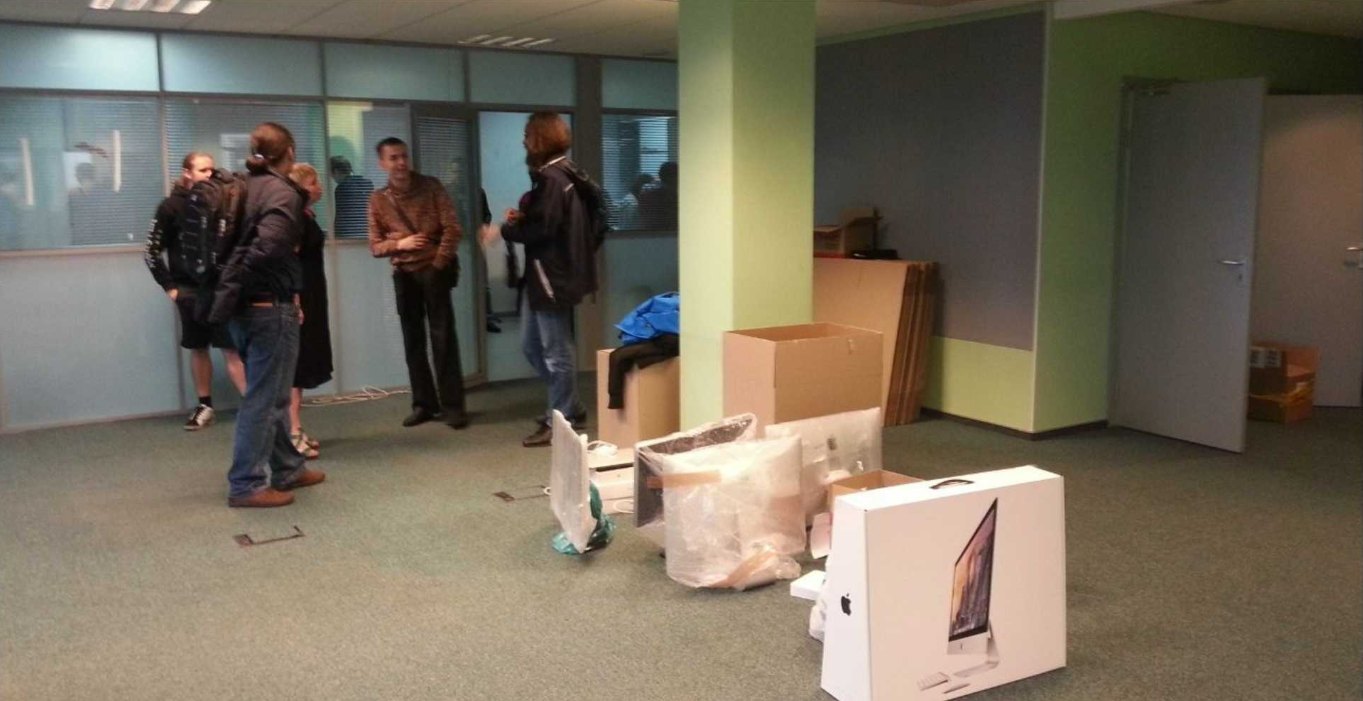
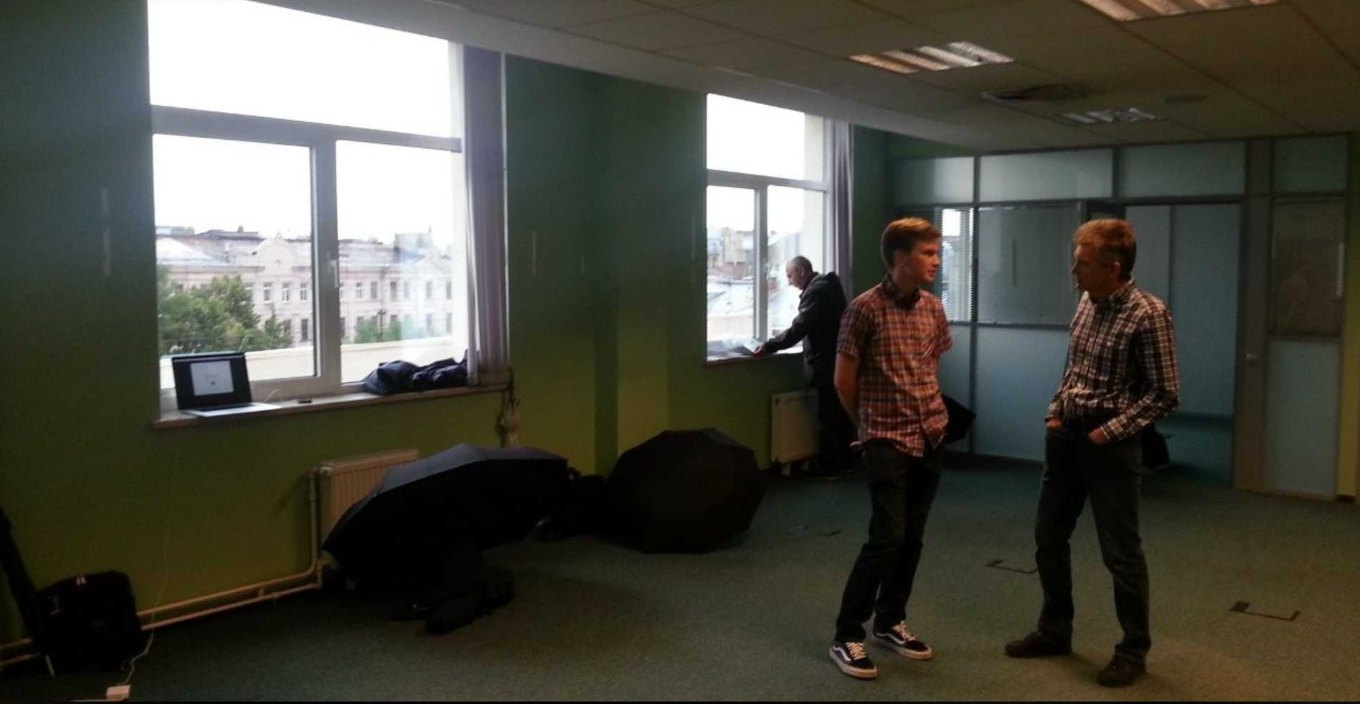
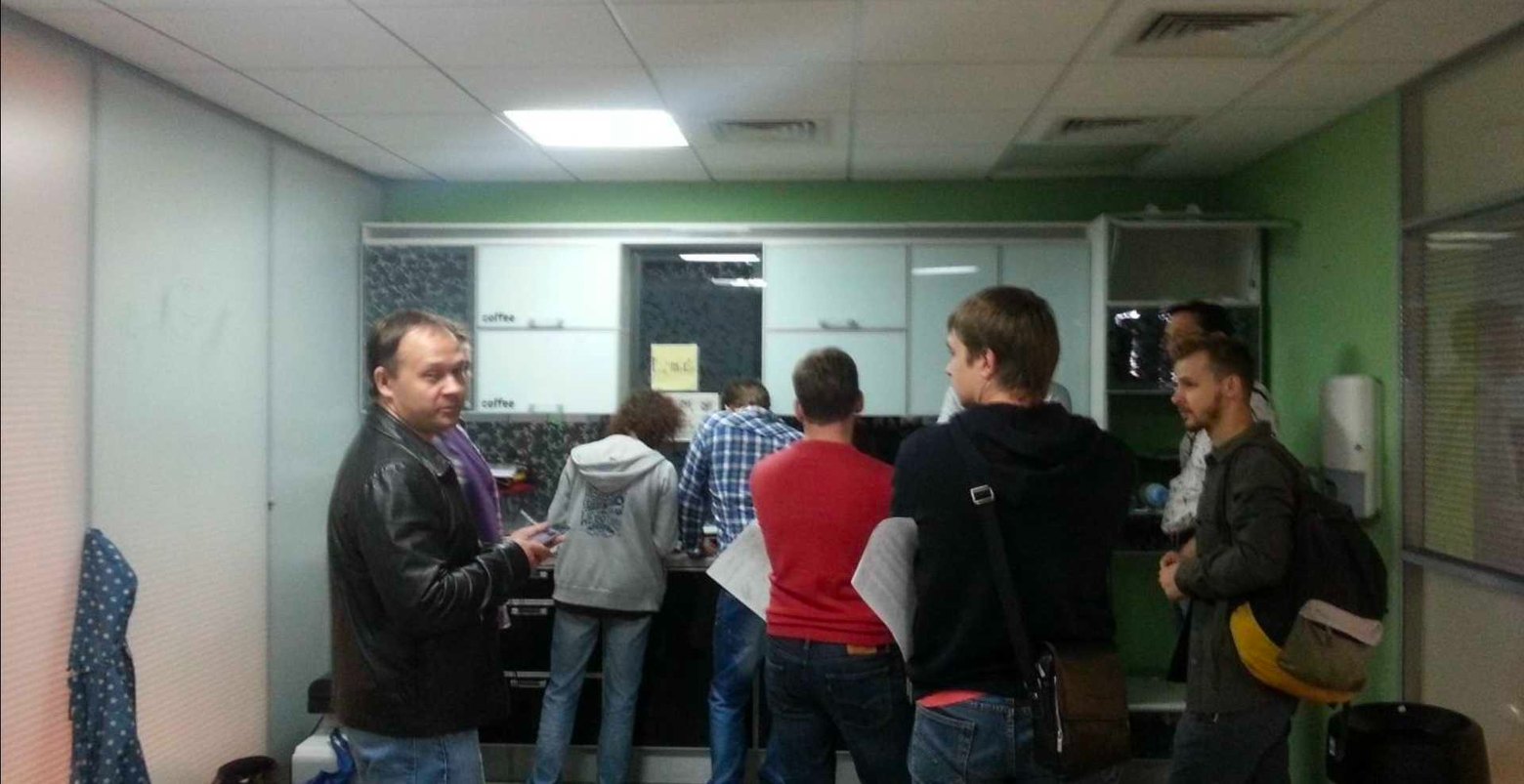
The EA St. Petersburg studio (EA Spb) was, perhaps, one of the most soulful places I've had the chance to work. It originally formed around mobile development, and the Petersburg office handled operating, developing, and supporting various games, including projects from the The Sims, Tetris, and Star Wars series, but in the first half of the 2010s, as part of a restructuring, EA decided to close all its internal official development in Russia.
Besides St. Petersburg, there were also offices in Moscow and Taganrog. Moscow housed the main commercial and marketing office for the CIS, which handled localization, PR, and organizing launches like Battlefield or FIFA, plus gaming-community support.
EA's appearance in Taganrog was an amazing story of regional IT success, and it began with the local outsourcing company Spira (Spira Computer Software), who did engineering tasks and QA for the Americans so well that they ended up being fully absorbed by EA. At its peak the Taganrog office numbered more than 100–150 people; with contractors and testers the figure approached 200, and for the region it was a top-tier employer with a Silicon Valley culture. If you put all three locations together at the peak of their activity, roughly 2011–2013, you get on the order of 250–300 people.
- EA Spb (Petersburg): ~70–100 people (engineers, artists, producers, QA).
- EA Taganrog: ~150 people (devops, web developers, support).
- EA Moscow: ~40 people (marketing, localization, management).
There was also cool merch like branded hoodies, T-shirts, and backpacks with sloshing souvenirs inside — by the way, my T-shirt and hoodie are still alive to this day. I won't write about the tight-knit team, the pub outings, the Friday traditions, and the New Year's events as a separate art form; it's too sad to remember. The photos are taken from the page of Slava "Copperfeet" Mednonogov (copperfeetgames.com), another legend not only of the office but of the Petersburg ZX Spectrum scene.

 ← All articles